Microsoft Addresses Windows 11 Update Issues
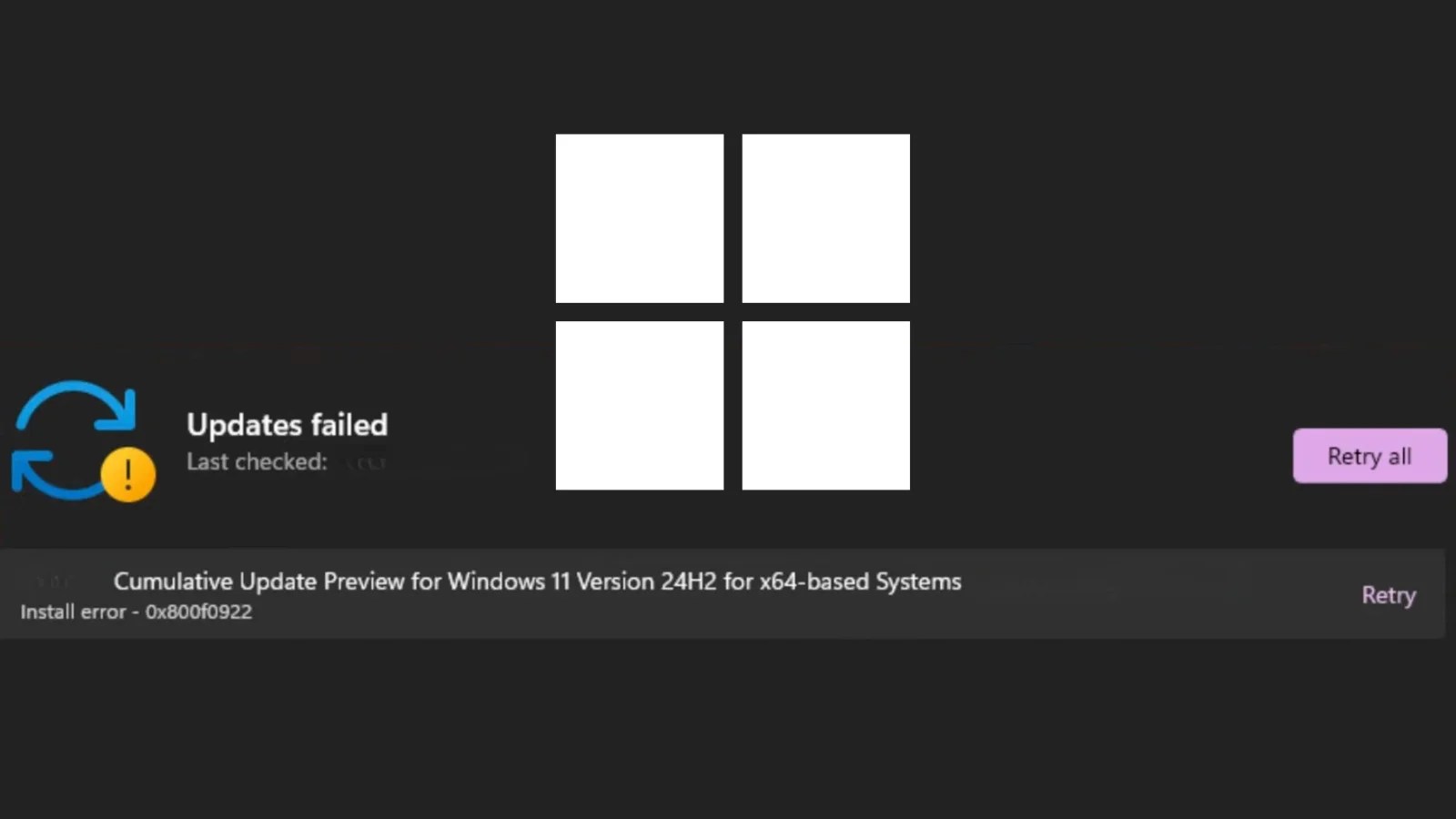
Microsoft has publicly acknowledged a significant problem concerning the installation of its May 2026 Patch Tuesday update for Windows 11, identified as KB5089549. Users are encountering error code 0x800f0922, and in some instances, additional errors such as 0x80240069 and 0x80240031.
This issue was formally added to the update’s changelog on May 15, 2026, shortly after its initial release. The update, introduced on May 12, 2026, is mandatory for Windows 11 versions 25H2 and 24H2, pushing OS builds to 26200.8457 and 26100.8457 respectively.
Understanding the Installation Failure
The KB5089549 update encompasses crucial security enhancements and non-security quality improvements from April’s optional preview release, alongside key changes to Secure Boot infrastructure. As a required security update, it attempts automatic installation, making failures particularly problematic.
The root cause of error 0x800f0922 has been traced to inadequate space in the EFI System Partition (ESP), a small reserved partition holding essential boot files. The update introduces new Secure Boot changes, expanding file storage in the ESP, which can lead to installation failures on devices lacking sufficient space.
Key Features and Fixes
The update includes several major improvements, notably the Secure Boot infrastructure changes, which add a SecureBoot folder to eligible devices and provide scripts for IT admins to manage certificate updates efficiently.
Additionally, KB5089549 addresses critical issues such as the BitLocker Recovery Loop, improving startup reliability and resolving problems related to SSDP service stability. Daylight Saving Time adjustments are also included for Egypt’s 2023 change.
Mitigation Strategies and Recommendations
Microsoft is actively deploying solutions for affected systems. Enterprise administrators can utilize new Secure Boot scripts to monitor certificate updates and manage phased rollouts using Active Directory.
It’s advisable for organizations to keep an eye on the Windows Release Health Dashboard for ongoing updates. Systems with prior cumulative updates will only need to download incremental changes, potentially easing ESP space requirements.
For more updates, follow us on Google News, LinkedIn, and X.