Microsoft is experimenting with a novel AI tool named ‘PC Insights’ designed to diagnose performance issues on Windows 11 devices. This feature is being gradually introduced in the United States and is not yet accessible to all users.
Understanding the New PC Insights Feature
PC Insights is an optional addition to Microsoft’s Copilot, providing real-time analyses of your computer’s hardware. Unlike generic troubleshooting guides, this tool offers specific insights into your system’s current condition.
Once activated, the AI assistant utilizes Windows APIs to evaluate system resources, including CPU, RAM, GPU usage, and available storage space. It also assesses if your device has sufficient storage for new applications or games, offering detailed folder size breakdowns for directories such as Downloads and Documents, without accessing file contents unless explicitly permitted.
The Capabilities of Microsoft’s Copilot
Beyond storage and hardware analysis, PC Insights tracks connected peripherals like USB devices, external drives, printers, and webcams, reporting their operational status. It also provides information on Bluetooth and Wi-Fi connectivity, battery health, antivirus status, system specifications, and BIOS details.
The tool aims to simplify troubleshooting by allowing users to inquire about system slowdowns and receive contextual data-driven responses. For example, querying available storage can quickly guide users on space sufficiency for specific installations.
Challenges and Future Prospects
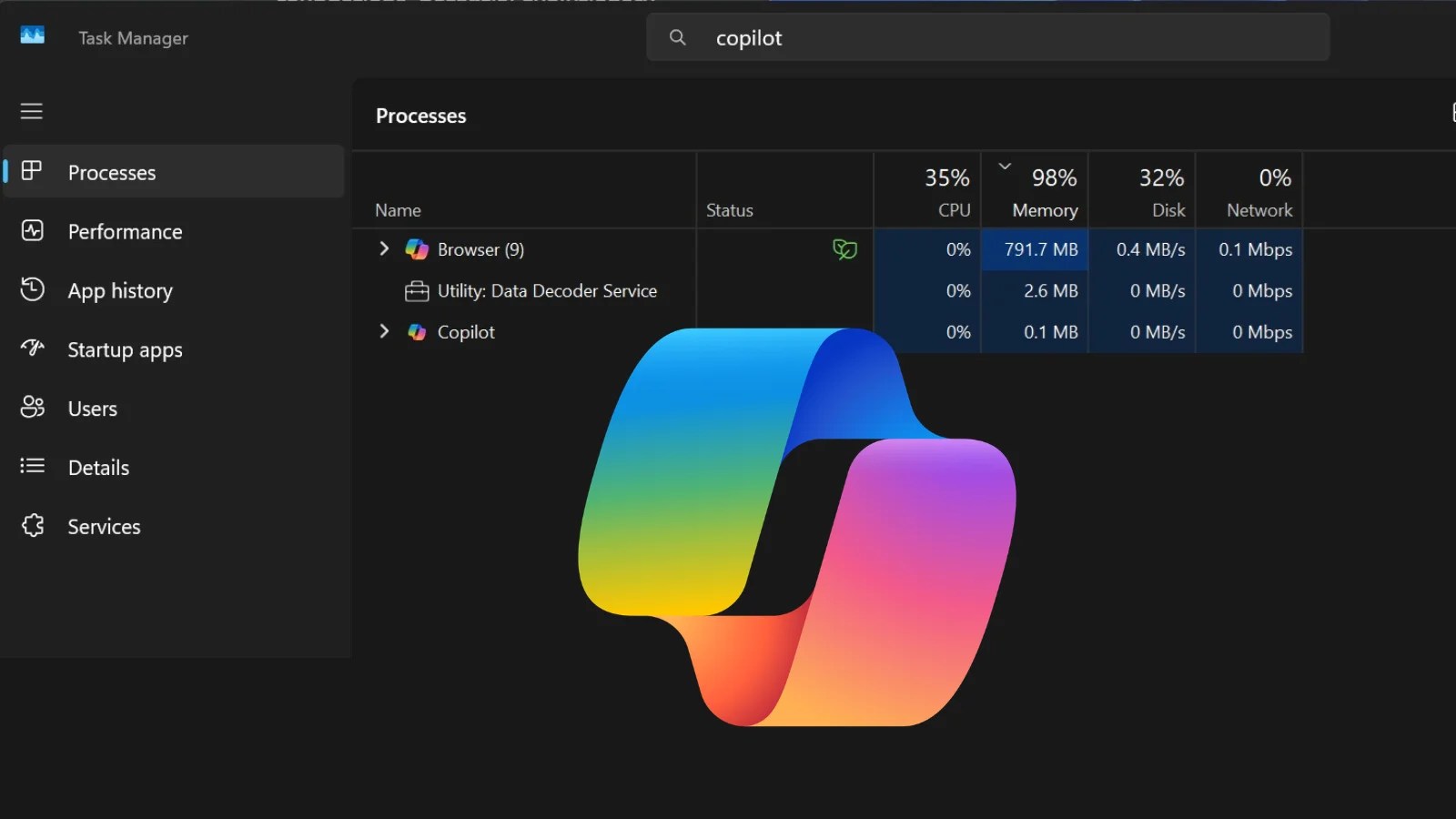
This development aligns with Microsoft’s broader goal to enhance Windows 11’s performance. Pavan Davuluri, head of Windows, has highlighted efforts to reduce memory usage and improve performance under load. However, Microsoft is also addressing concerns about Copilot’s own resource consumption, as it can use up to 1GB of RAM due to its integration with Microsoft Edge.
As PC Insights is not yet widely available, its final features and impact on system resources could evolve before a full release. Microsoft continues to balance offering valuable diagnostics with minimizing potential system bloat, responding to user feedback on resource management.
Ultimately, this tool represents a step towards more responsive and efficient computing, though its broader adoption and refinement will determine its success in the market.