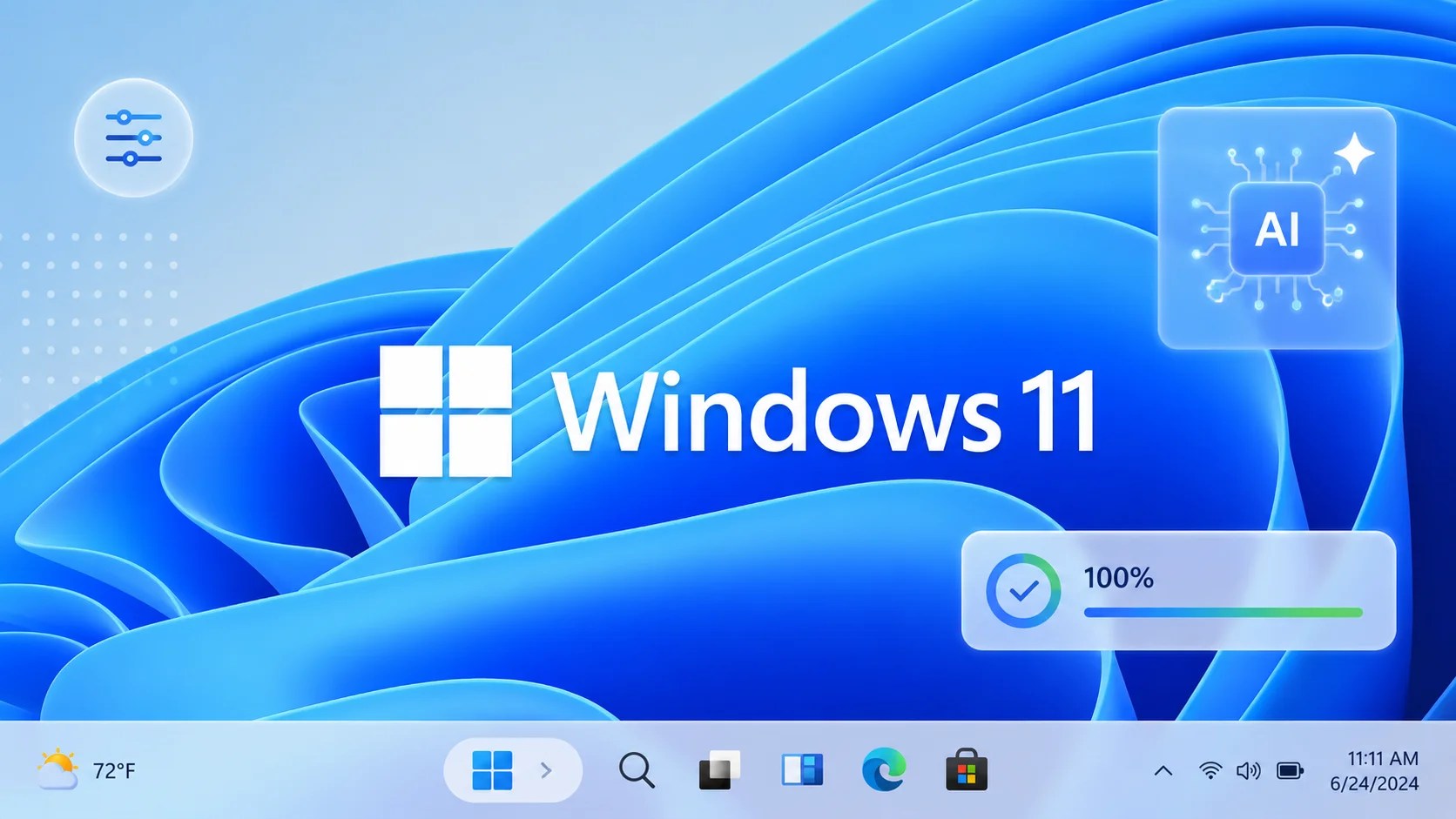
Microsoft has unveiled the latest enhancements to Windows 11, focusing on taskbar control and the integration of artificial intelligence. These improvements are part of the company’s ongoing quality initiative, announced in March, aiming to refine user performance, reliability, and overall experience.
Early Rollout and Future Plans
In an update, Microsoft confirmed that the initial set of enhancements is available to Windows Insiders, with a broader rollout planned for the fall. The company remains committed to continuous improvements, ensuring that the user experience is optimized across Windows 11 devices.
The primary goals outlined in March highlighted key areas such as taskbar customization, AI integration, and a user-friendly Windows Update process. Additionally, improvements in File Explorer’s speed and reliability, enhanced widget control, and a streamlined Windows Insider Program were emphasized.
Advancements in Windows Quality
Microsoft’s quality initiative is grounded in three main pillars: performance, reliability, and crafted user experiences. Engineering teams have been diligently working on these aspects, with several changes already visible in Insider builds.
Recent previews display a more refined Windows Search with clearer results and reduced promotional content. At the Build 2026 conference in June, Microsoft showcased developer-centric advancements, including an optimized setup for Windows 11, a preview of WSL containers, and enhancements in Windows 365 developer configuration.
Further updates include strengthening WinUI 3 and integrating it deeper into the Windows shell, along with planned experimental builds for Autoplay and File and Folder Properties dialogs.
Taskbar and File Explorer Enhancements
Taskbar personalization features were introduced in May previews, allowing users to move the taskbar and customize Start layouts. AI features have been simplified across inbox apps to ensure they provide clear value.
File Explorer enhancements focus on improved launch speed, reliable navigation, and resolving issues like blurry thumbnails. Additional updates to address bar behavior, file size formatting, and keyboard navigation are expected.
On the reliability front, the Driver Quality Initiative aims to enhance driver quality and security, while connectivity improvements include better USB4 docking and enhanced Bluetooth support.
Looking Forward
As the year progresses, Microsoft plans to continue rolling out these improvements to general users while expanding focus areas to include faster setup processes, memory optimization for PCs with 8GB RAM or more, easier family setups with robust parental controls, and more natural voice interactions.
Feedback from Windows Insiders is vital for guiding future developments, and Microsoft remains dedicated to responding to user input to further enhance Windows 11.