Skip to content
  • Home
  • Cyber Map
  • About Us – Contact
  • Disclaimer
  • Terms and Rules
  • Privacy Policy
Cyber Web Spider Blog – News

Cyber Web Spider Blog – News

Globe Threat Map provides a real-time, interactive 3D visualization of global cyber threats. Monitor DDoS attacks, malware, and hacking attempts with geo-located arcs on a rotating globe. Stay informed with live logs and archive stats.

  • Home
  • Cyber Map
  • Cyber Security News
  • Security Week News
  • The Hacker News
  • How To?
  • Toggle search form
Resolution to Microsoft 365 White Screen Bug Announced

Resolution to Microsoft 365 White Screen Bug Announced

Posted on November 25, 2026 By CWS

Microsoft has successfully resolved an issue in Microsoft 365 that was causing some Windows users to encounter a blank white screen upon launching Word, Excel, or Outlook. This unexpected screen, devoid of any text or interactive elements, hindered users from accessing the applications beneath it.

Microsoft 365 White Screen Issue Explained

The issue manifested as a blank dialog box that appeared when attempting to open an Office application. Unlike a typical empty Word document or Excel sheet, this dialog obstructed the entire application interface. Reports surfaced on November 22, where users shared experiences of being unable to bypass this screen to use their apps.

Microsoft acknowledged the problem in a support notice dated November 23, 2026, and identified Version 2611, Build 16.0.20625.20142 as the version resolving the issue. The bug affected not only Word, Excel, and Outlook but also extended to PowerPoint, Access, and OneNote for Microsoft 365.

Details and Causes of the White Screen Bug

Despite resolving the issue, Microsoft did not disclose the origin of the dialog box or which previous software builds were affected. The company clarified that this was a desktop startup problem rather than a security breach or cloud service outage, distinguishing it from a recent separate incident affecting Exchange Online mailboxes.

For users affected by the bug, Microsoft provided instructions to update their Office applications using the built-in update feature. This involves navigating to the app’s File > Account > Update Options > Update Now menu, or for classic Outlook users, accessing the Office Account menu.

Steps to Resolve the Issue

In instances where the blank screen prevents access to update menus, Microsoft suggested an alternative method. Users should close all Office applications, open the Command Prompt as an administrator, and execute a command to initiate the update process. This command forces the Office Click-to-Run updater to install the corrected build.

Once the update is complete, users are advised to reopen the affected application to verify the installation of the update by checking the version and build number under File > Account. This ensures that the software is functioning correctly and allows users to resume normal operations.

While the current fix addresses the white screen issue, Microsoft continues to investigate other unrelated problems, such as attachment upload failures in New Outlook, which are not included in this specific update.


Cyber Security News Tags:Bug Fix, Excel, Microsoft 365, Office apps, Outlook, software issue, software update, tech news, white screen, Windows users, Word

Post navigation

Previous Post: Switzerland Faces AI-Driven Cyberattacks on IT Systems
Next Post: Enhancing SOC Management for 2027: Combat AI Threats

Related Posts

Cybercriminals Exploit Fake Software to Create Proxy Networks Cybercriminals Exploit Fake Software to Create Proxy Networks Cyber Security News
Ransomware Attack on European Organizations Surge as Hackers Leveraging AI-Tools for Attacks Ransomware Attack on European Organizations Surge as Hackers Leveraging AI-Tools for Attacks Cyber Security News
IRGC-Linked APT35 Structure, Tools, and Espionage Operations Disclosed IRGC-Linked APT35 Structure, Tools, and Espionage Operations Disclosed Cyber Security News
China-Linked Hackers Exploit Chrome Warnings for Malware China-Linked Hackers Exploit Chrome Warnings for Malware Cyber Security News
Critical Vulnerability Exploited in WordPress Plugin Critical Vulnerability Exploited in WordPress Plugin Cyber Security News
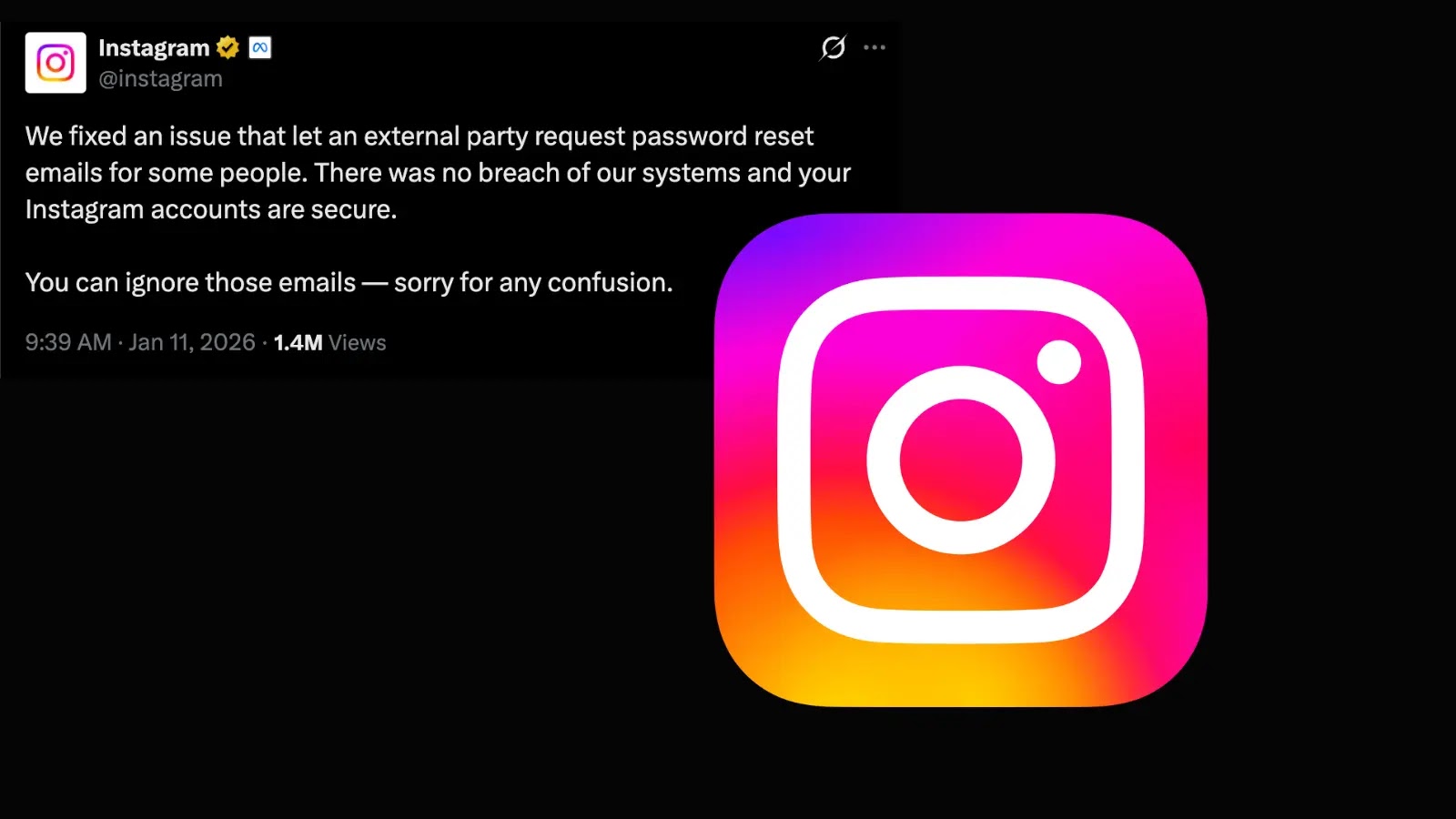
Instagram Confirms no System Breach and Fixed External Party Password Reset Issue Instagram Confirms no System Breach and Fixed External Party Password Reset Issue Cyber Security News

Categories

  • Cyber Security News
  • How To?
  • Security Week News
  • The Hacker News

Recent Posts

  • Enhancing Privacy: Real-Time Consent Management Explained
  • PolinRider’s Widespread Malware Infiltration on GitHub
  • Hackers Embed Malware in GitHub Code Threatening Security
  • Silver Fox Hackers Exploit Fake Downloads for Gh0stRAT Malware
  • Danfoss Refrigeration Controllers Vulnerable to Remote Attacks

Pages

  • About Us – Contact
  • Disclaimer
  • Privacy Policy
  • Terms and Rules

Archives

  • November 2026
  • October 2026
  • September 2026
  • August 2026
  • July 2026
  • June 2026
  • May 2026
  • April 2026
  • March 2026
  • February 2026
  • January 2026
  • December 2025
  • November 2025
  • October 2025
  • September 2025
  • August 2025
  • July 2025
  • June 2025
  • May 2025

Recent Posts

  • Enhancing Privacy: Real-Time Consent Management Explained
  • PolinRider’s Widespread Malware Infiltration on GitHub
  • Hackers Embed Malware in GitHub Code Threatening Security
  • Silver Fox Hackers Exploit Fake Downloads for Gh0stRAT Malware
  • Danfoss Refrigeration Controllers Vulnerable to Remote Attacks

Pages

  • About Us – Contact
  • Disclaimer
  • Privacy Policy
  • Terms and Rules

Categories

  • Cyber Security News
  • How To?
  • Security Week News
  • The Hacker News

Copyright © 2026 Cyber Web Spider Blog – News.

Powered by PressBook Masonry Dark