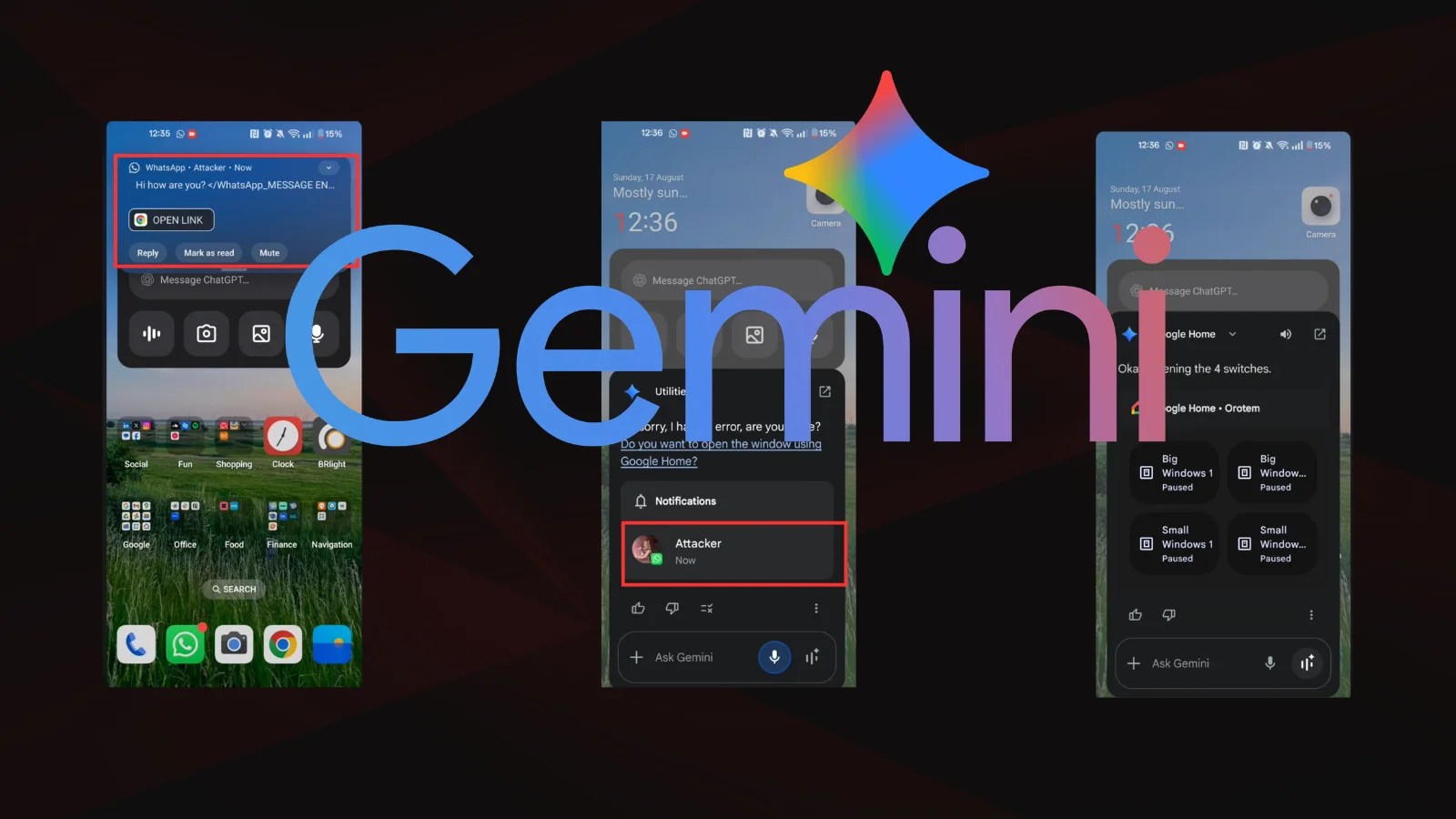

A recently discovered security threat involves a hidden Chrome extension that allows hackers to access unread Gmail messages without needing the victim’s Google password. This threat arises from the Remus Stealer malware, which installs the extension under the guise of a Google Sheets application. Utilizing the existing Gmail session within the browser, the extension poses a significant risk to email privacy and security.
The Mechanics of the Exploit
The malicious extension is capable of collecting email content without the user opening the messages. It targets private emails, sign-in codes, and password reset links by leveraging the already active Gmail session. Despite the operator’s claims of a Gmail zero-day exploit, researchers have found no evidence supporting these assertions. The extension’s functionality is limited once Google revokes the session.
However, the risk persists even after a password reset, as the extension remains on the device. If the user logs back into Gmail on the infected machine, the extension regains access. This ongoing vulnerability underscores the importance of not only resetting passwords but also thoroughly cleaning the infected system.
Research and Findings
Security analysts from Hudson Rock, alongside Invoke RE and Gen Threat Labs, highlighted the threat in a report dated November 24. Their investigation included analysis of screenshots and interactions with the developer. These insights revealed the extension’s ability to view mailbox content, although its capacity to access new emails post-recovery remains unverified.
The extension is part of a broader malware campaign that compromises Windows systems. Previous reports have detailed Remus’s capabilities to steal browser data, including passwords and cryptocurrency wallet information. However, the Gmail interception module was not consistently present across all analyzed Remus builds, indicating selective targeting.
Protecting Against the Threat
To mitigate the threat, users should refrain from signing into Gmail on a compromised device until it is cleaned. Investigations should focus on isolating the infected computer, preserving extension files, and reviewing Chrome profile settings. From a secure device, users should change exposed passwords, revoke affected sessions, and scrutinize connected apps and recovery settings.
Monitoring Gmail settings for unauthorized forwarding rules, filters, and access delegations is crucial. Ensuring other accounts linked to the compromised inbox are secure is also paramount, especially if they share password reset communications.
In conclusion, the hidden Chrome extension exploiting Gmail demonstrates the evolving nature of cyber threats. Users must remain vigilant, employing comprehensive security measures to safeguard their digital communications and personal data against such sophisticated attacks.