Skip to content
  • Home
  • Cyber Map
  • About Us – Contact
  • Disclaimer
  • Terms and Rules
  • Privacy Policy
Cyber Web Spider Blog – News

Cyber Web Spider Blog – News

Globe Threat Map provides a real-time, interactive 3D visualization of global cyber threats. Monitor DDoS attacks, malware, and hacking attempts with geo-located arcs on a rotating globe. Stay informed with live logs and archive stats.

  • Home
  • Cyber Map
  • Cyber Security News
  • Security Week News
  • The Hacker News
  • How To?
  • Toggle search form
Microsoft Resolves Windows 11 Update Issues with KB5089573

Microsoft Resolves Windows 11 Update Issues with KB5089573

Posted on May 31, 2026 By CWS

Microsoft has released a crucial update, KB5089573, for Windows 11 versions 25H2 and 24H2. The update addresses significant installation failures that occurred after the May 2026 Patch Tuesday updates.

Key Details of the Update

This latest cumulative update brings the OS builds to 26200.8524 and 26100.8524. It resolves a prevalent issue where the installation of the May 2026 Patch Tuesday update, identified as KB5089549, failed on certain devices. The error, marked by code 0x800f0922, primarily impacted systems with limited space on the EFI System Partition (ESP), especially those with 10 MB or less available.

During the update process, affected systems encountered a crash during the reboot phase, around 35–36% completion. This left many devices in an unstable state. Previously, Microsoft had issued a Known Issue Rollback (KIR) as a short-term solution, while a registry-based workaround was made available for enterprise administrators.

Comprehensive Fixes and Enhancements

Released on May 26, 2026, KB5089573 provides a permanent solution, removing the need for any temporary workarounds. This update is part of a two-phase rollout, involving a gradual and then broad deployment, which aims to improve stability and enhance user experience.

Alongside resolving the ESP issue, KB5089573 updates several AI components, including Image Search, Content Extraction, and Semantic Analysis, to version 1.2605.856.0. These updates reflect Microsoft’s ongoing effort to enhance AI functionalities within Windows 11. Additionally, personalization improvements were introduced on May 28, 2026, during the gradual rollout stage.

Installation and Availability

The update is readily accessible through Windows Update, with no prerequisites other than having a compatible Windows 11 25H2 or 24H2 device. Users can navigate to Start → Settings → Windows Update → Advanced options → Optional updates to download and install the update. Alternatively, it can be downloaded directly from the Microsoft Update Catalog.

For enterprise environments, deployment can occur via Windows Update for Business or WSUS. At the time of release, no known issues with KB5089573 have been reported by Microsoft. However, should uninstallation be necessary, Microsoft recommends using the DISM /online /get-packages command to identify the package name, followed by DISM/Remove-Package.

It is important to note that using the Windows Update Standalone Installer (wusa.exe) with the /uninstall switch is ineffective because the package includes a Servicing Stack Update (SSU), which cannot be removed post-installation. Given the critical nature of the ESP issue, both IT administrators and end users are encouraged to prioritize this update during their next scheduled maintenance period.


Cyber Security News Tags:AI Component, EFI System Partition, Installation Issues, KB5089573, Microsoft, OS Build, Patch Tuesday, Servicing Stack Update, Update, Windows 11

Post navigation

Previous Post: Critical GitLab Security Updates Address Key Vulnerabilities

Related Posts

Microsoft Teams to Enforce Messaging Safety Defaults Starting January 2026 Microsoft Teams to Enforce Messaging Safety Defaults Starting January 2026 Cyber Security News
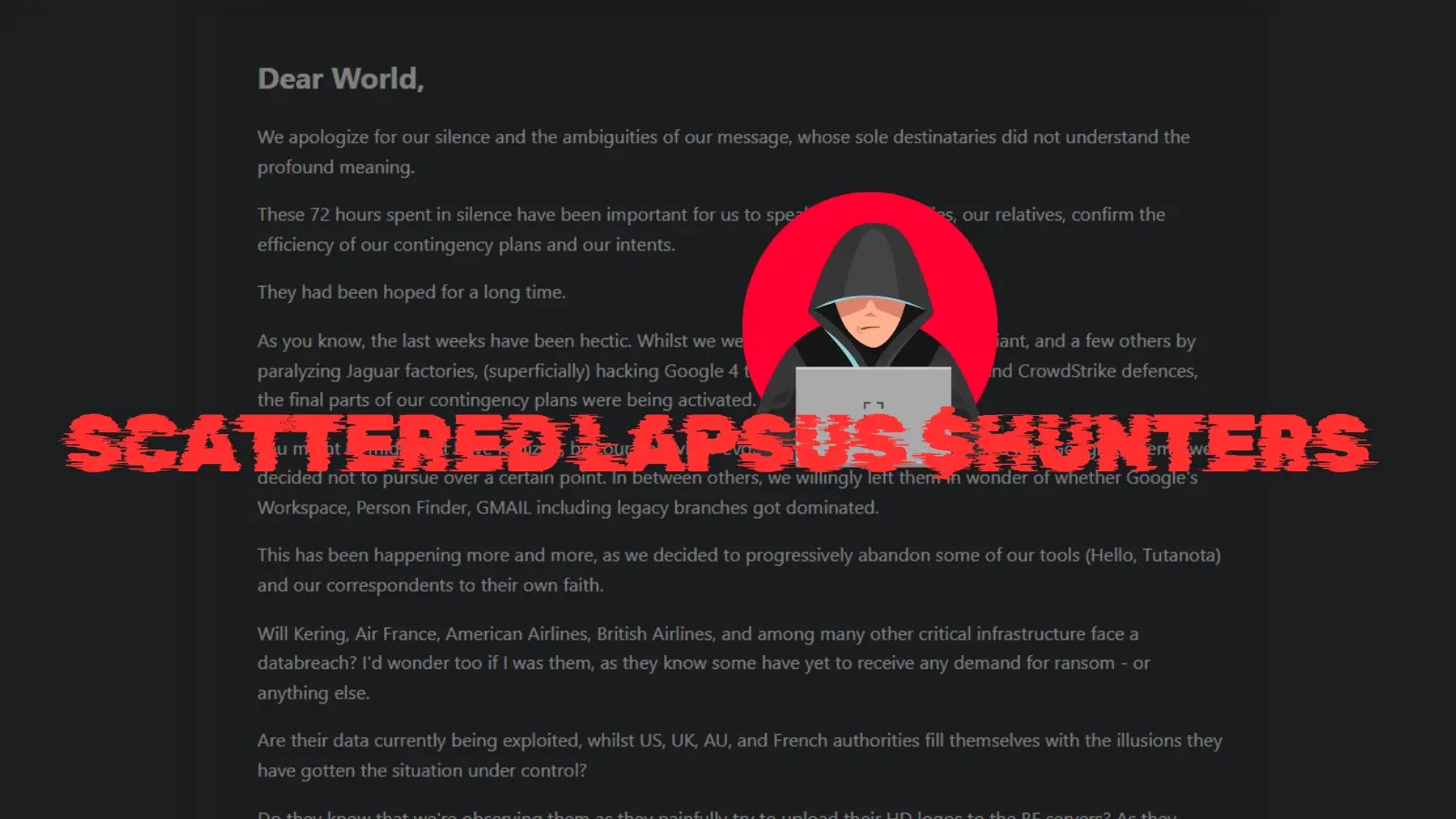
Scattered LAPSUS$ Hunters 4.0 Announced That Their Going Dark Permanently Scattered LAPSUS$ Hunters 4.0 Announced That Their Going Dark Permanently Cyber Security News
PoC Exploit for 7-Zip Vulnerabilities that Allows Remote Code Execution PoC Exploit for 7-Zip Vulnerabilities that Allows Remote Code Execution Cyber Security News
Threat Actors Merging FileFix and Cache Smuggling Attacks to Evade Security Controls Threat Actors Merging FileFix and Cache Smuggling Attacks to Evade Security Controls Cyber Security News
Fake Software Installers Spread DinDoor Malware Backdoor Fake Software Installers Spread DinDoor Malware Backdoor Cyber Security News
University of Phoenix Data Breach University of Phoenix Data Breach Cyber Security News

Categories

  • Cyber Security News
  • How To?
  • Security Week News
  • The Hacker News

Recent Posts

  • Microsoft Resolves Windows 11 Update Issues with KB5089573
  • Critical GitLab Security Updates Address Key Vulnerabilities
  • Critical Flowise Vulnerability Exploit Code Released
  • Russian Spies Intensify Efforts to Acquire Western Tech
  • Introducing Pentest Swarm AI: Revolutionizing Autonomous Penetration Testing

Pages

  • About Us – Contact
  • Disclaimer
  • Privacy Policy
  • Terms and Rules

Archives

  • May 2026
  • April 2026
  • March 2026
  • February 2026
  • January 2026
  • December 2025
  • November 2025
  • October 2025
  • September 2025
  • August 2025
  • July 2025
  • June 2025
  • May 2025

Recent Posts

  • Microsoft Resolves Windows 11 Update Issues with KB5089573
  • Critical GitLab Security Updates Address Key Vulnerabilities
  • Critical Flowise Vulnerability Exploit Code Released
  • Russian Spies Intensify Efforts to Acquire Western Tech
  • Introducing Pentest Swarm AI: Revolutionizing Autonomous Penetration Testing

Pages

  • About Us – Contact
  • Disclaimer
  • Privacy Policy
  • Terms and Rules

Categories

  • Cyber Security News
  • How To?
  • Security Week News
  • The Hacker News

Copyright © 2026 Cyber Web Spider Blog – News.

Powered by PressBook Masonry Dark