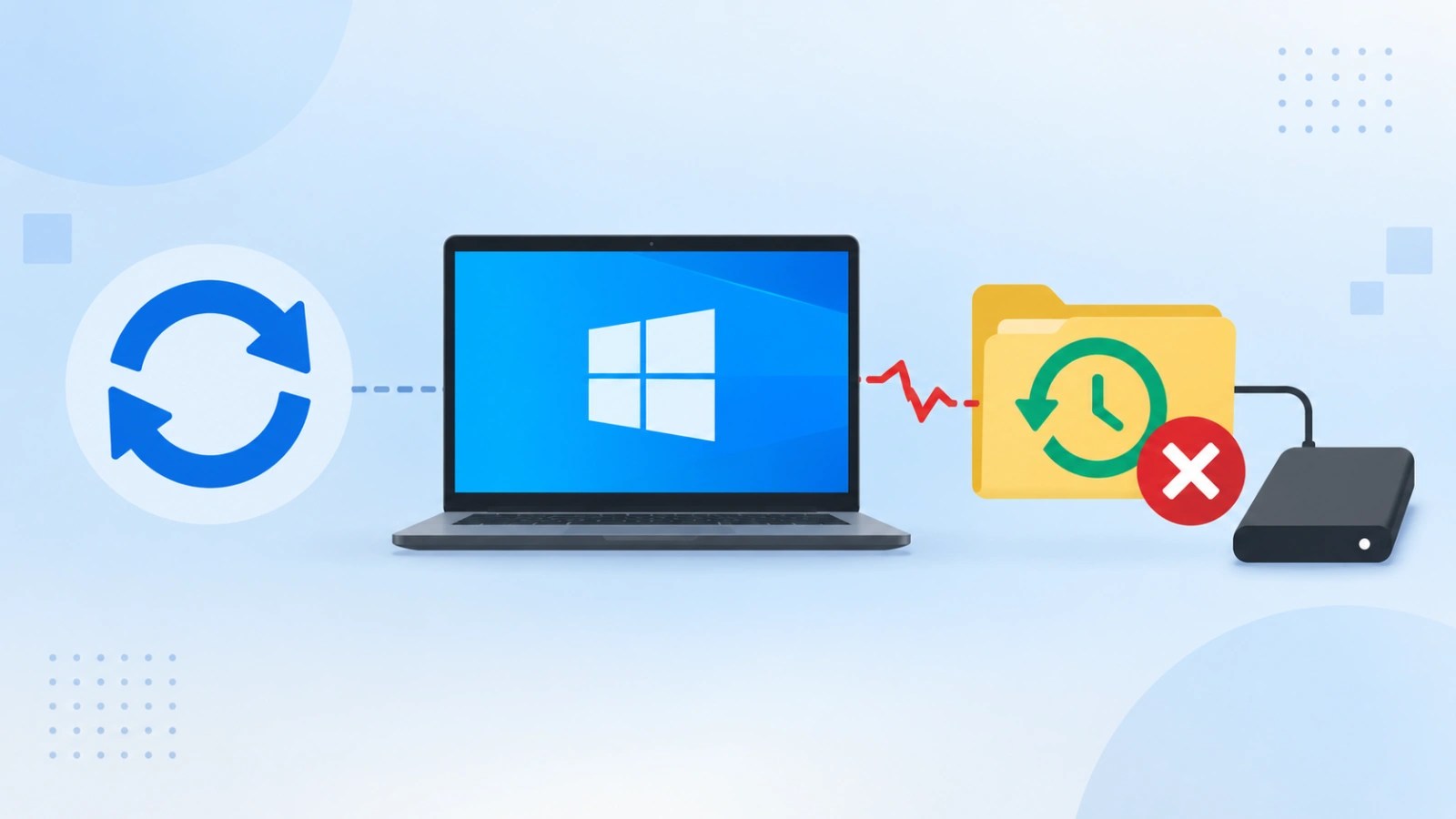
Microsoft has acknowledged that the Windows security updates released in September 2026 have a significant impact on the File History backup feature. These updates may prevent the creation or updating of backups, posing a risk for users who rely on this built-in Windows functionality to secure their data.
Impact on File History Backup Functionality
The regression primarily affects users by creating a false sense of security. Although users might believe their files are backed up, the updates can hinder the completion of recent backups. File History, accessible via Control Panel, System, and Security, is designed to periodically copy files to an external drive, preserving earlier versions for recovery in case of accidental changes or deletions.
Microsoft documented this issue on September 19, shortly after the security updates were rolled out on September 8. Users might encounter persistent prompts to “Reconnect your drive,” even when the backup disk is connected and functional. Additionally, the File History interface might display outdated backup timestamps, with protected files showing “No previous version available.” These signs indicate that the backup process is not completing as expected.
Technical Details and Affected Versions
Investigations into the issue reveal application crash records in Windows Event Viewer, specifically referencing FileHistory.exe and KERNELBASE.dll. Microsoft has yet to clarify the technical cause or provide an official workaround. However, it has noted that a resolution is being developed for a future update.
The problem affects various versions, including Windows 11 versions 26H1, 25H2, 24H2, and 23H2, as well as Windows 10 versions 22H2 and 21H2. Additionally, Windows 10 Enterprise LTSC 2019 and LTSC 2016 are impacted. Windows Server platforms remain unaffected. Specific updates such as KB5124008 and KB5124012 document the issue for different versions.
Recommended Actions for Users and Administrators
Users should not assume their data is safe merely because a drive is connected. It’s crucial to verify backup status via the Control Panel or by checking the most recent backup time and testing file restoration. Event Viewer can help identify crashes linked to the noted components.
Though some users report that uninstalling update KB5124008 resolves the issue, this is not without risk. Removing security updates can expose systems to vulnerabilities that the patches were meant to address. Until a fix is provided, users should consider using alternative backup solutions or manual copying to ensure data safety.
For organizations, it’s essential to monitor backup success, alert on outdated timestamps, and test recovery capabilities. This incident underlines the importance of validating backup content and recovery paths independently, reinforcing the principle that a backup’s reliability is only assured after thorough verification.