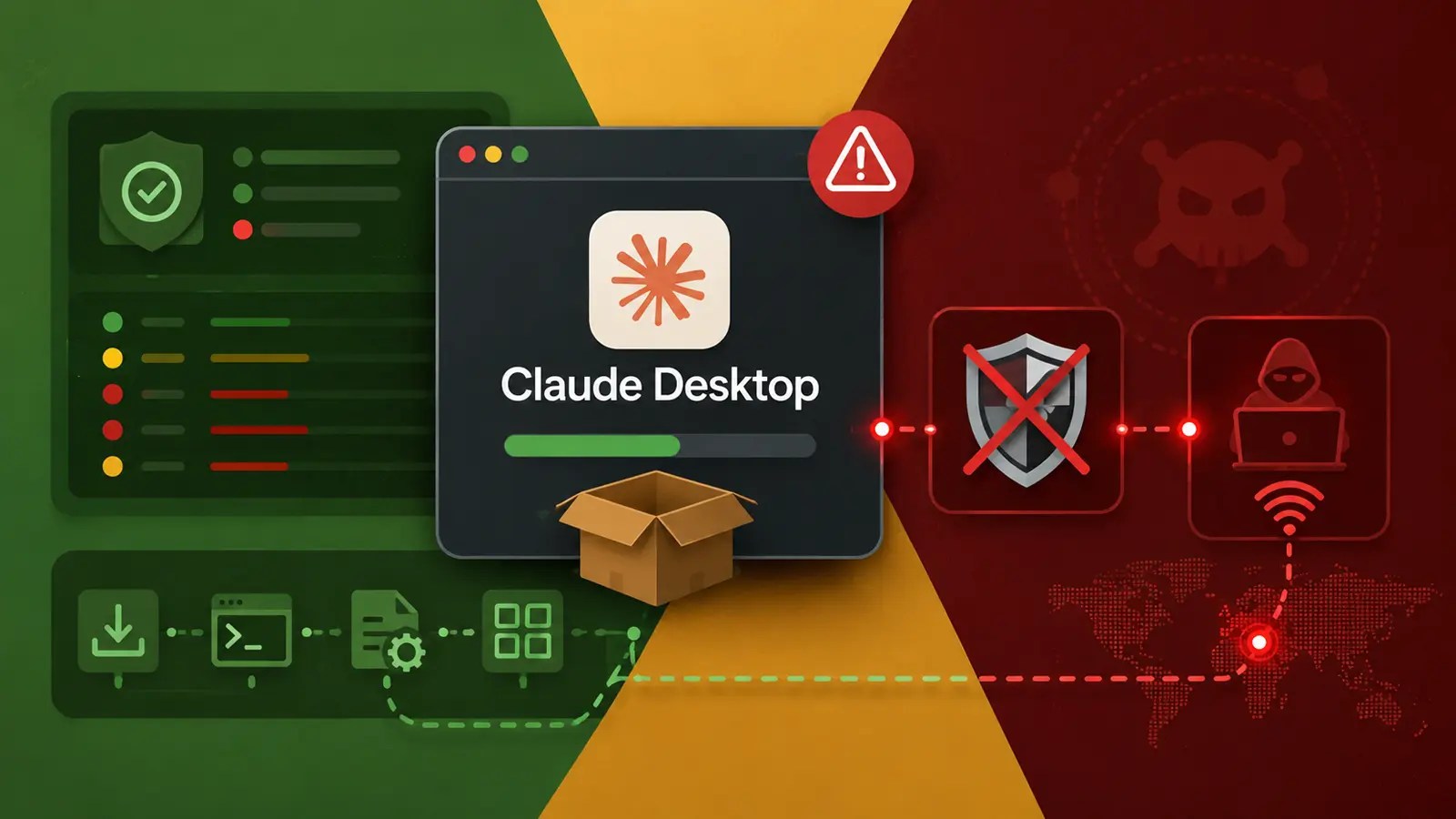
Cyber attackers have launched a new campaign using a counterfeit Claude desktop application to target Windows systems, aiming to disable crucial security mechanisms and deploy remote-access malware.
This malicious effort transforms a typical AI software search into a pathway for stealing credentials and maintaining long-term access. It highlights the dangers posed by seemingly legitimate download pages that mask harmful files.
Organizations face significant risks as stolen credentials can potentially grant hackers access to emails, cloud services, and internal systems, expanding the threat beyond a single endpoint.
Malicious Campaign Mechanisms
The attack initiates through deceptive search advertisements that direct users to convincing but harmful artifact pages. Once a user downloads and executes the fake installer, the malware rapidly progresses through several stages.
The final malware payload is SectopRAT, a tool providing attackers with concealed control over infected devices. This access can facilitate data theft, activity monitoring, and future unauthorized actions.
A report from CyberProof shared with Cyber Security News indicates that the campaign mirrors the previously tracked FakeAgent operation, which utilized public hosting services and deceptive software installers to distribute malware.
Technical Exploits and Persistence
When the counterfeit application is executed, it employs PowerShell to manipulate Microsoft Defender settings, reducing its ability to detect malicious files.
The initial loader uses DLL sideloading, a technique that coerces a legitimate program to load malicious code, thus operating under the guise of a signed Java Chromium Embedded Framework component.
Further, the malware creates a logon-triggered task disguised as a browser updater, calling a secondary loader from a writable folder, enabling persistence even after system reboots.
Wider Implications and Preventative Measures
This incident underscores a broader issue for businesses and individuals: familiar brand names can easily mislead users, especially when advertisements appear prominently in search results.
Similar attacks have been observed with fake Gemini installers, where cybercriminals exploit well-known AI brands to propagate credential-stealing malware.
To reduce risk, organizations should guide users toward approved software sources and limit local installation rights. Extra caution is advised with search ads for developer and AI tools, even when they appear legitimate.
Comprehensive Response Strategies
Researchers emphasize that removing a single suspicious task or file is insufficient when dealing with remote-access malware.
In response to the observed incident, responders isolated the compromised device, removed unauthorized Defender exclusions, revoked user sessions, reset credentials, and reimaged the endpoint. They also scrutinized identity and access logs for unauthorized credential use.
Monitoring downloads, scheduler changes, security alterations, and blockchain traffic can help teams identify the full scope of an attack, rather than perceiving each alert as an isolated event.
This broader perspective is crucial as attackers often distribute their activities across multiple ordinary Windows features.