Cybersecurity experts have uncovered a new method where attackers use a Windows automation tool to disguise AsyncRAT, a remote-access trojan, within a Windows-signed process. This tactic uses AutoIt to make the presence of the trojan less noticeable to users and security systems.
Deceptive Batch File Initiates Attack
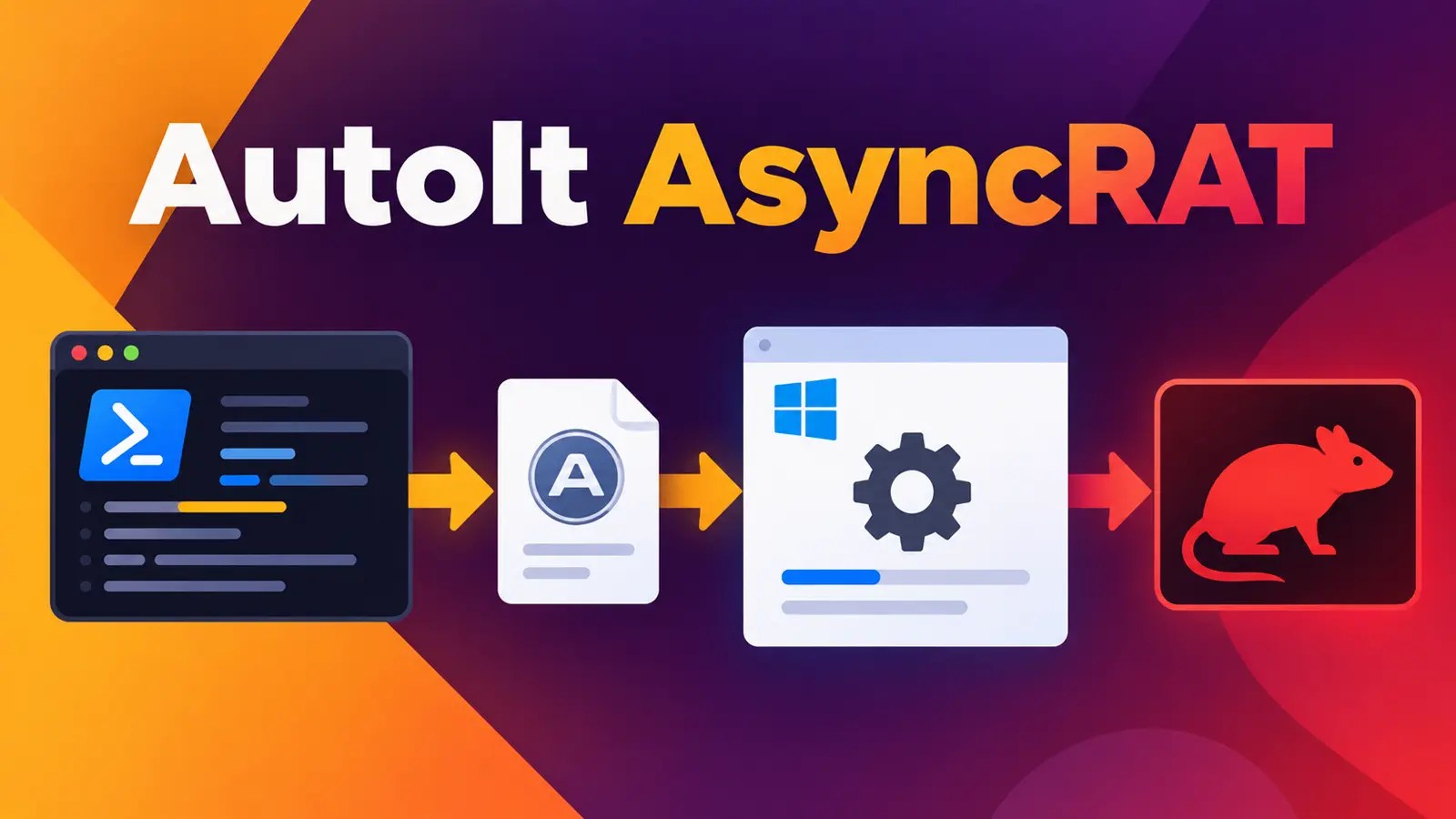
The attack begins with a seemingly innocuous batch file labeled “Right-click to open Invoice Details.bat,” which tempts users into opening it. Once executed, this file covertly activates PowerShell, reassembling fragmented code and deploying components into a random temp folder. This strategy aims to establish remote control over the targeted system while minimizing detection risks.
Researchers from Point Wild Threat Intelligence traced this five-stage process, highlighting how it ultimately results in AsyncRAT executing within the Windows Character Map, or charmap.exe. As this is a Microsoft-signed component, its presence appears normal unless thoroughly inspected.
Complex Infection Process via AutoIt
The infection chain is initiated when a user opens the batch file, often delivered through email attachments, malicious links, or other vectors. This action triggers PowerShell to run silently, bypassing typical security checks, and decodes the payload using Base64 and XOR operations.
The infiltration continues as a legitimate AutoIt interpreter and other components are placed in a temporary directory, facilitating the execution of malicious code within charmap.exe. This technique shifts suspicious activities into a trusted Windows process, complicating detection efforts.
Security Implications and Defense Strategies
Once the trojan is active, it provides robust remote-access features, including screen capture capabilities, sending data to the operator’s server. The infection also modifies Windows’ script-scanning interface, AMSI, to conceal malicious activities.
Security teams are advised to monitor for unusual PowerShell activities and unexpected launches of charmap.exe. Such anomalies can indicate a compromised system, prompting further investigation to prevent data breaches.
Users should exercise caution with unexpected invoice files and avoid interactions with unverified links or attachments. Security teams can leverage insights from recent AsyncRAT incidents to enhance their threat detection and response strategies.
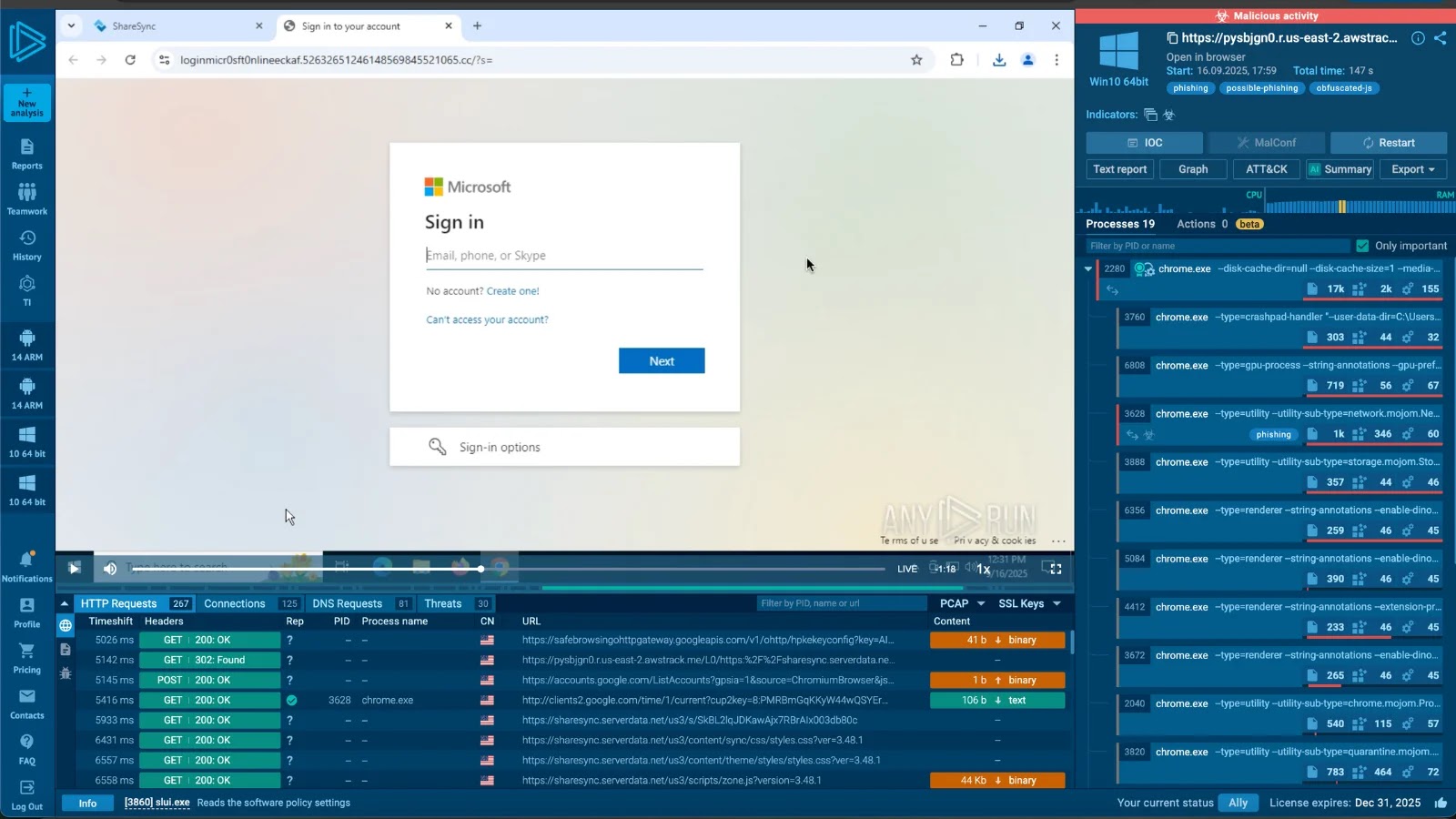
For comprehensive threat intelligence, security teams should keep their systems updated with the latest information on malware and phishing activities, utilizing platforms like ANYRUN for early detection and prevention.