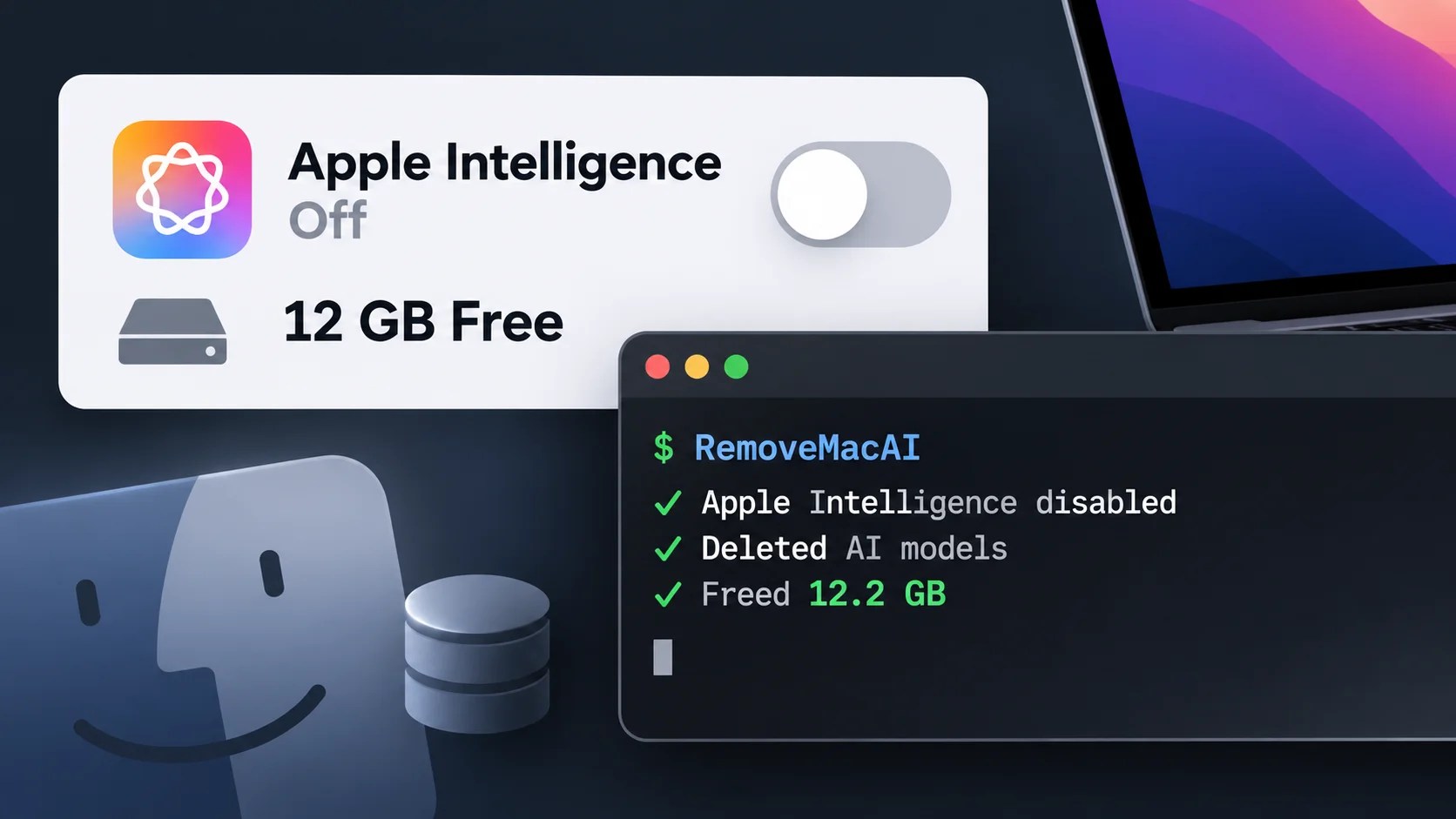
RemoveMacAI, an innovative open-source utility available on GitHub, provides Mac users with a solution to disable Apple Intelligence, delete its downloaded models, and prevent future downloads. This tool can potentially restore approximately 10GB to 12GB of storage space, depending on the models installed. Importantly, the changes made by this utility are reversible and do not compromise macOS System Integrity Protection.
Understanding the Storage Challenge
The issue addressed by RemoveMacAI arose with the release of macOS 27, where Apple removed the unified switch for disabling Apple Intelligence. Although individual features can be turned off, their models remain on the device. RemoveMacAI offers a comprehensive command-line workflow that combines model removal, download blocking, and feature restrictions.
The tool leverages a configuration profile that uses Apple’s restriction keys to enforce necessary settings. Users need to confirm the profile in System Settings to activate these changes. Unlike direct file deletion, RemoveMacAI employs Apple’s asset service to remove models, maintaining system protection by not altering files in the /System directory.
Functionality and Features of RemoveMacAI
RemoveMacAI redirects model download requests to a closed local port, effectively blocking the retrieval of these models without affecting general internet access. The assets removed include foundation models, image generation models, and more, though the space reclaimed might not be immediately visible. This delay occurs as Apple’s asset service releases the models, and macOS independently deletes the files.
Installation of the tool is straightforward via Homebrew with the command brew install omlahore/tap/removemacai, followed by running removemacai. It is compatible only with Apple silicon on macOS 27.0.1 or later. A single-line installer is also provided, which verifies the integrity of the release through GitHub’s build provenance attestations.
Impact and User Control
Before implementing changes, users can assess the feature states and model sizes with removemacai status, while removemacai off --dry-run offers a preview of the operation. Users have the option to keep certain features or revert to previous settings if desired. The utility does not collect user data or make network requests.
The removal process affects various AI features such as Siri, Writing Tools, and ChatGPT integration. However, dictation remains functional thanks to its separate speech models. Apple’s recent announcement on expanding Full Disk Access controls highlights the importance of maintaining data privacy, a concern partially addressed by removing these AI models.
Overall, RemoveMacAI provides a valuable tool for users wishing to manage storage space and control AI feature access on their macOS devices, while maintaining the security and integrity of their systems.