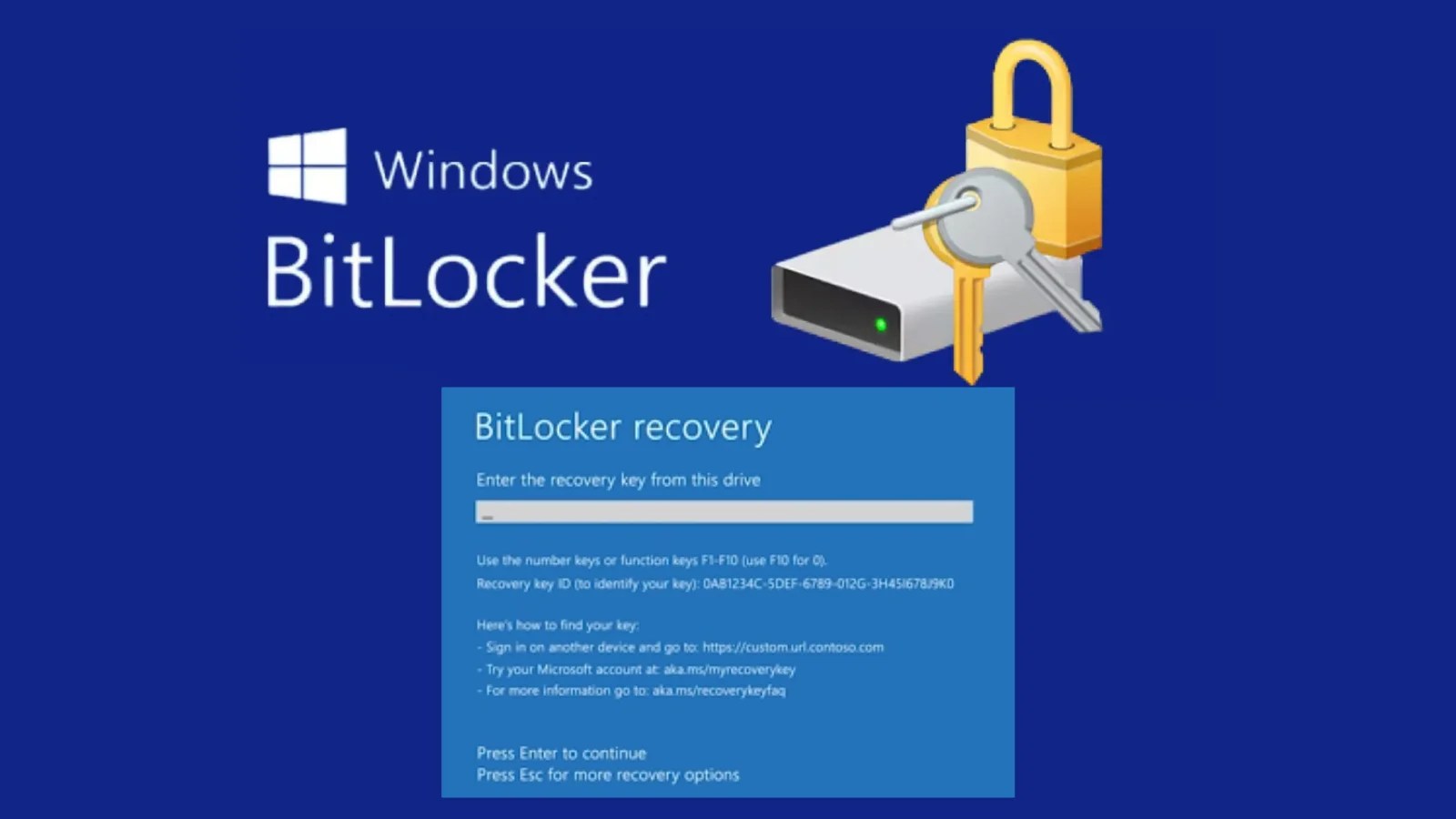
Microsoft recently disclosed a notable issue impacting Windows 11 users, following the deployment of its April 2026 Patch Tuesday cumulative updates. This problem is particularly related to devices configured with specific BitLocker Group Policy settings.
Users may be unexpectedly prompted to input their BitLocker recovery key after applying updates KB5083769 or KB5082052. This issue was documented on April 14, 2026, with Microsoft cautioning that certain BitLocker Group Policy configurations could trigger this prompt post-update.
Affected Windows Updates and Versions
The problem affects several Windows 11 release channels. Update KB5083769 impacts Windows 11 versions 25H2 and 24H2, while KB5082052 affects version 23H2. These updates are part of the April 2026 cumulative security package, which includes the latest security patches and improvements. Importantly, not all devices will encounter this issue; it is primarily linked to an ‘unrecommended’ BitLocker Group Policy configuration.
For enterprise IT administrators, this poses a significant challenge. Misconfigured Group Policy settings related to BitLocker can lead to unexpected requests for recovery keys during system boot. This recovery mode is a security feature designed to protect encrypted drives from unauthorized changes.
Implications for Enterprise IT
Unexpected initiation of BitLocker recovery mode can cause substantial disruptions, especially in managed enterprise environments. Users may be unable to access their devices until the 48-digit recovery key is entered, which can be a cumbersome process if keys are stored in Active Directory or Microsoft Entra ID.
Organizations with large Windows 11 deployments face operational risks if multiple devices enter recovery mode simultaneously. This situation could overwhelm helpdesk resources, particularly if users do not have quick access to recovery keys.
Recommendations for IT Administrators
IT administrators are urged to review their BitLocker Group Policy settings before wide deployment of these updates. Microsoft advises adherence to specific baseline configurations to avoid unexpected behavior. Deviations, even minor ones, may result in the recovery prompt.
It is recommended to verify recovery key accessibility and test the updates on a small group of devices before full-scale deployment. Monitoring the Windows Release Health Dashboard for further resolutions or workarounds from Microsoft is also suggested.
Despite the issue, Microsoft has not withdrawn the updates. Both KB5083769 and KB5082052 continue to be recommended security updates for their respective versions. Organizations should consider this a medium-priority risk and take preventive measures to mitigate potential disruptions.
Stay informed by following us on Google News, LinkedIn, and X for regular cybersecurity updates. Feel free to contact us to share your stories.