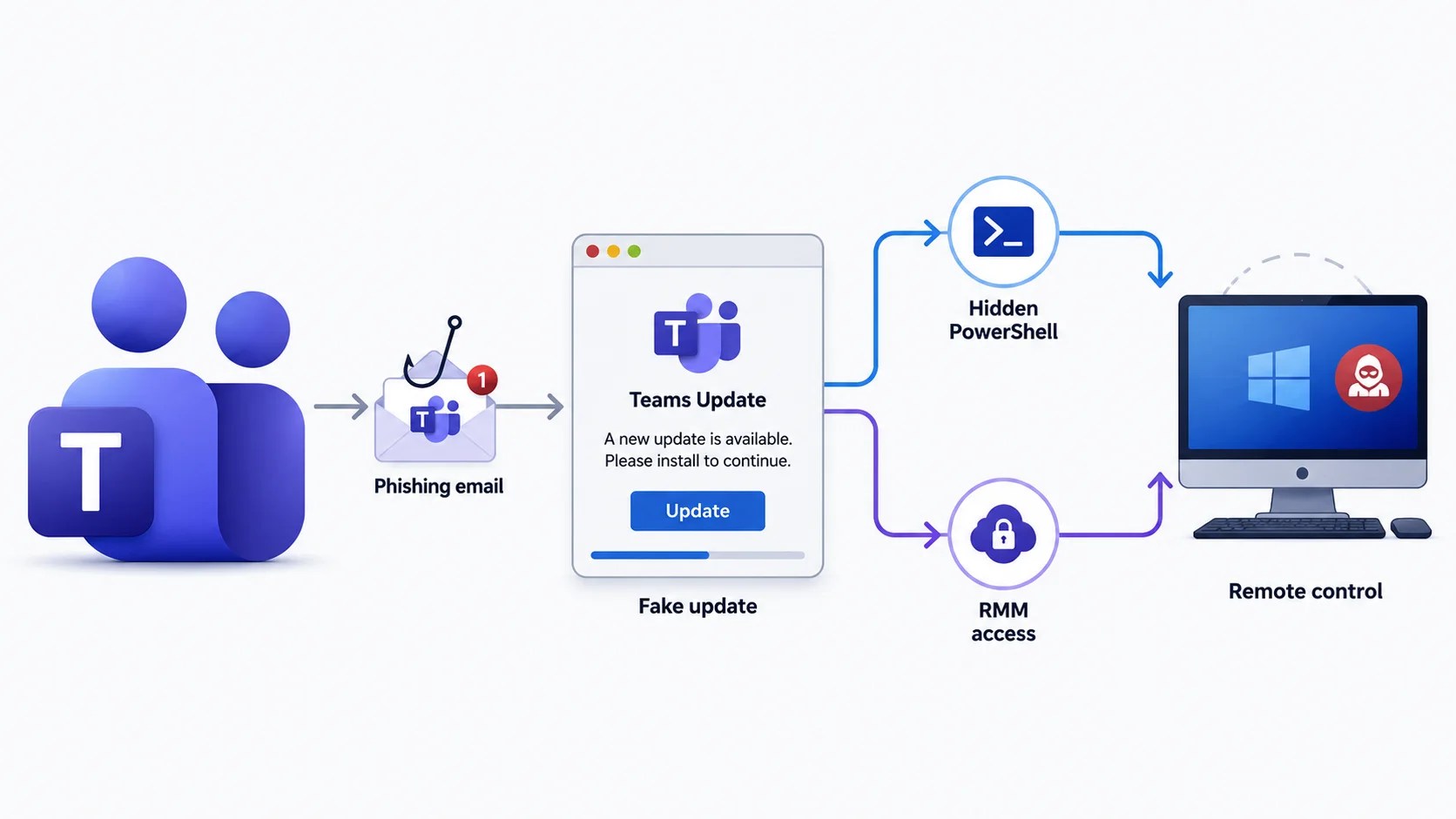
Cybersecurity experts have identified a new phishing campaign, termed Operation BlueDash, which deceives users into downloading a counterfeit Microsoft Teams update. This malicious update grants attackers two separate methods to remotely control the compromised devices.
How the BlueDash Campaign Operates
The attack begins with an email falsely stating that a document was too large to send directly and has instead been shared through Microsoft Teams. When users click on the provided link, they are redirected through compromised sites to a fraudulent Microsoft Store page that mimics legitimate Teams branding, complete with screenshots and a spoofed Windows taskbar.
This strategy reflects an increasing trend in phishing attacks leveraging Teams-themed hooks. According to Google’s Mandiant team, similar campaigns, such as UNC6692, have impersonated IT support staff on Teams to distribute credential-stealing malware and backdoors.
Mechanism of the Fake Teams Update
Upon clicking “Update,” victims unknowingly download a file named supportdev.exe. This file, disguised as a Teams installer, is actually an Inno Setup package that silently runs a PowerShell script in the background. This script performs two tasks simultaneously: it installs the legitimate Level RMM remote-monitoring tool and attempts to set up ScreenConnect, a secondary remote-access client.
This dual approach makes the attack particularly resilient. By using legitimate, signed administrative software instead of custom malware, the activities blend seamlessly with normal IT operations, as highlighted in Microsoft’s March 2026 research on similar campaigns.
Detecting and Preventing Such Attacks
Once remote access is gained, attackers execute reconnaissance commands to assess system configurations, including checking for active BitLocker encryption and firewall settings. This hands-on phase provides a critical detection window, as the commands stem from unauthorized remote sessions.
Researchers traced the phishing kit’s source code to a public GitHub repository, revealing an extended history of infrastructure rotation and a concurrent Zoom-themed campaign using similar tactics.
Protective Measures Against Phishing Attacks
To safeguard against such threats, treat unsolicited emails regarding secure documents or software updates linked to Teams or Zoom as high-risk. Always verify updates through official sources and enable detection rules for hidden PowerShell windows.
Maintaining a whitelist of approved remote tools and enforcing multi-factor authentication can significantly enhance security. Monitoring unusual changes to the local administrator group is also crucial.
Remaining vigilant against “update now” prompts in emails is essential for defending against evolving phishing attacks.